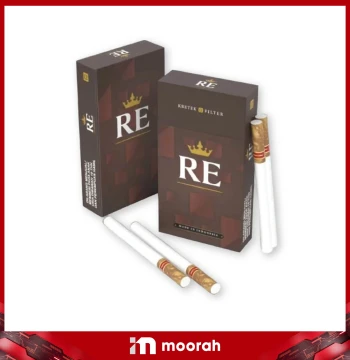
 RE BROWN 12 Sticks - (1 Carton / 10 Packs)
View Latest Price

Canyons are masterpieces of nature - carved over millennia by the perennial forces of wind, water, and time. Towering walls of rock that embody history rise against the sky, their sheer scale evoking amazement and awe. Now, the same sense of exhilaration is encapsulated in the Canyon family of premium tobacco cigarettes, expertly crafted for the most discerning customers.
We present our collection of blends that feature beautiful packaging, with an appealing varety of flavours to suit every taste and occasion, interpreting the grandeur of nature for tobacco lovers everywhere.
With Canyon, you'll uncover wonder in every puff.
[3 Tier Referral Bonus Scheme]
Every Carton of Cigarette
Tier 1: RM2
Tier 2: RM2
Tier 3: RM2
Total Bonus: RM6
Every Carton of Cigarette
Tier 1: RM2
Tier 2: RM2
Tier 3: RM2
Total Bonus: RM6
Cigarette
12 of 73 products
RE BROWN 12 Sticks - (1 Carton / 10 Packs)
View Latest Price
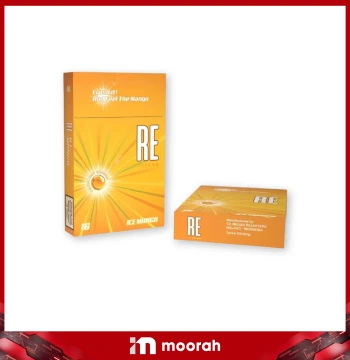 RE ICE MANGO 16 Sticks - (1 Carton / 10 Packs)
View Latest Price
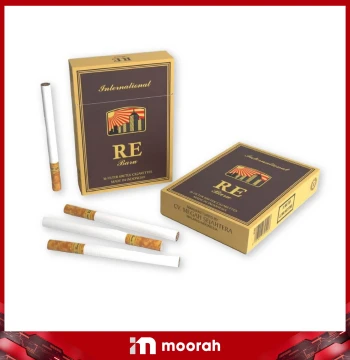 RE BARU 16 Sticks (1 Carton / 10 Packs)
View Latest Price
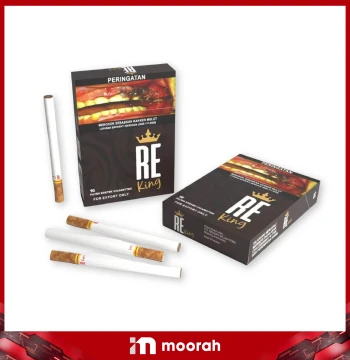 RE KING 16 Sticks - (1 Carton / 10 Packs)
View Latest Price
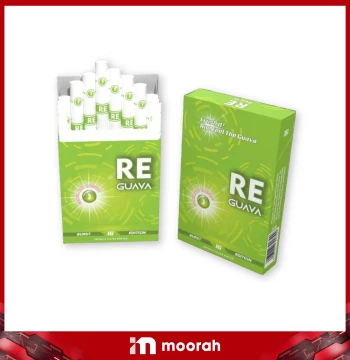 RE GUAVA 16 Sticks - (1 Carton / 10 Packs)
View Latest Price
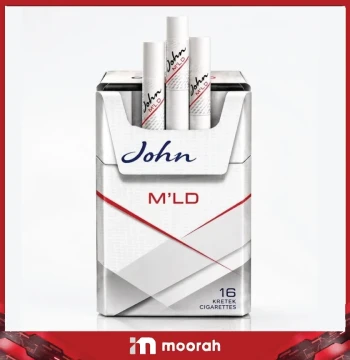 John Keretek M'LD
View Latest Price
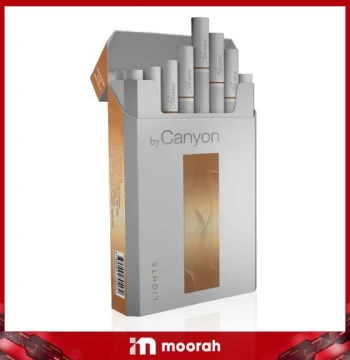 Canyon Advance (Slim Light) - Rokok Kretek Indonesia
View Latest Price
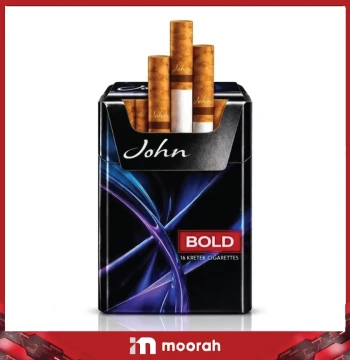 John Keretek Bold
View Latest Price
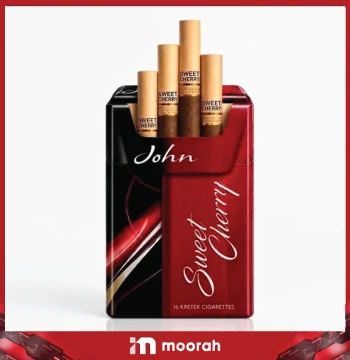 John Keretek Sweet Cherry
View Latest Price
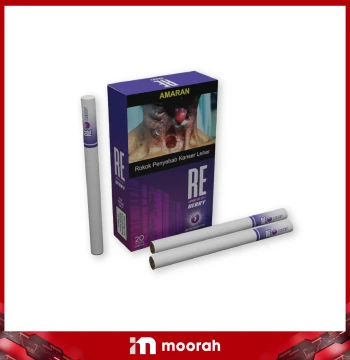 RE BLUEBERRY 20 Sticks - (1 Carton / 10 Packs)
View Latest Price
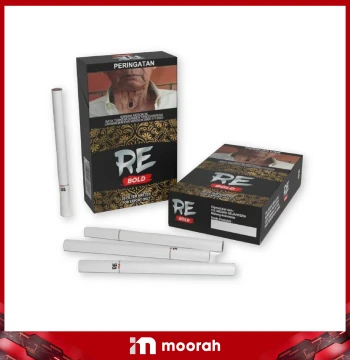 RE BOLD 20 Sticks - (1 Carton / 10 Packs)
View Latest Price
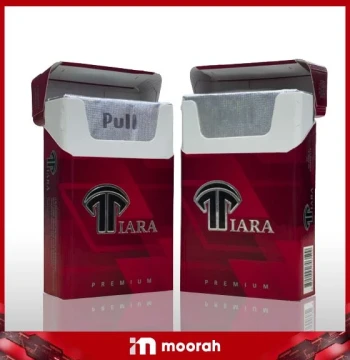 Tiara Red
View Latest Price
Moorah Cigarette – Shop Cigarettes Online
Moorah Cigarette brings together a wide selection of cigarette products from RE, Canyon, Pragon, Bosston, Misto, Galaxy, Manchester and other available brands. Browse the collection, choose an available product, add it to your cart and follow the Moorah checkout process to place your order online.
Moorah Cigarette Collection
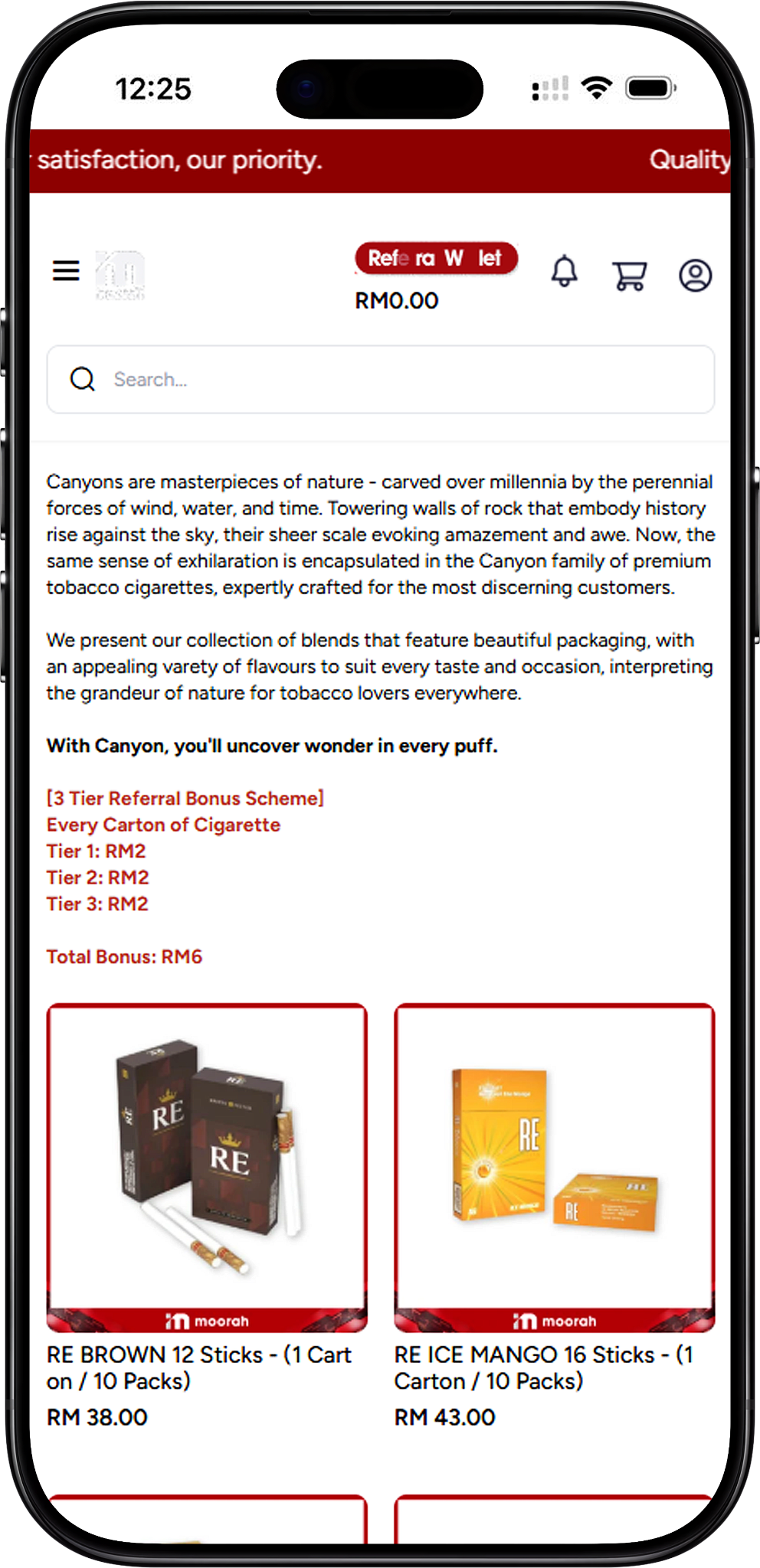
Explore the available Moorah Cigarette collection across RE, Canyon, Pragon, Bosston, Misto, Galaxy, Manchester and other cigarette brands and ranges. Browse the selections below to find the available products in each range.
RE Cigarettes
Available RE products include RE BROWN 12 Sticks - (1 Carton / 10 Packs), RE ICE MANGO 16 Sticks - (1 Carton / 10 Packs), RE BARU 16 Sticks (1 Carton / 10 Packs), RE KING 16 Sticks - (1 Carton / 10 Packs), RE GUAVA 16 Sticks - (1 Carton / 10 Packs), RE BLUEBERRY 20 Sticks - (1 Carton / 10 Packs), and RE BOLD 20 Sticks - (1 Carton / 10 Packs).
Canyon Cigarettes
Available Canyon products include Canyon Advance (Slim Light) - Rokok Kretek Indonesia, Canyon Spice (1 Carton / 10 Packs), Canyon Advance (King Size) - Rokok Kretek Indonesia, Canyon Menthol Premium (1 Carton / 10 Packs), Canyon Watermelon Super Slim, Canyon Mango Super Slim, Canyon Lime Mint Super Slim, Canyon Gum Mint Super Slim, Canyon Blueberry Super Slim, Canyon Ice Blast Mint Super Slim, Canyon Premium (1 Carton / 10 Packs), Canyon Light (1 Carton / 10 Packs), Canyon Vanilla (1 Carton / 10 Packs), Canyon Signature Green (1 Carton / 10 Packs), Canyon Signature Red (1 Carton / 10 Packs), Canyon Classic (1 Carton / 10 Packs), and Canyon Blast Ice (1 Carton / 10 Packs).
Pragon Cigarettes
Available Pragon products include Pragon Tropicana Peach Ice, Pragon Green, Pragon Red, and Pragon Blend Red.
Bosston Cigarettes
Available Bosston products include BOSSTON UFT - SUPER SLIM, Bosston Red (1 Carton / 10 Packs), Bosston Green (1 Carton / 10 Packs), Bosston Blue (1 Carton / 10 Packs), Bosston White (1 Carton / 10 Packs), Bosston Purple (1 Carton / 10 Packs), and Bosston Double Capsule (1 Carton / 10 Packs).
Misto Cigarettes
Available Misto products include Misto - Green, Misto - Red, Misto - White, Misto - Kretek, and Misto - Kretek - Menthol.
Galaxy Cigarettes
Available Galaxy products include Galaxy - Menthol, Galaxy - Red, Galaxy - Kretek, and Galaxy - Gold.
Manchester Cigarettes
Available Manchester products include Manchester - Menthol, Manchester - Light, Manchester - Red, and Manchester - Gold.
Redwood & Vson Legend Cigarettes
Available products include Redwood Green, Redwood Red, Vson Legend Red, and Vson Legend Green.
Tiara Cigarettes
Available Tiara products include Tiara Red and Tiara Green.
Patik Cigarettes
Available Patik products include Patik Bold and Patik Kretek.
Frenzo Blend Cigarettes
Available Frenzo Blend products include Frenzo Blend - Red and Frenzo Blend - Green - Ice Edition.
John Cigarettes
Available John products include John White, John JGI, John D Blend (JDB), and John D Blend - Slim.
Gudang Garam Cigarettes
Available products include Nusantara Hijau - Gudang Garam 12, Surya - Gudang Garam 12, and Surya - Gudang Garam 16.
Cigaronne Cigarettes
Available Cigaronne products include Cigaronne Royal Slims XL Filter Menthol (1 Carton / 10 Packs) and Cigaronne Royal Slims XL Filter Black (1 Carton / 10 Packs).
Other Cigarette Products
Other available cigarette products include U2 Red.
How to Order Cigarettes on Moorah
Moorah provides an online ordering process where customers can choose an available cigarette product, add it to the Shopping Cart and continue through checkout.
Step 1 – Browse the Cigarette Collection
Open the Moorah Cigarette page and browse the available brands and products. Choose the cigarette product you want to order from the available collection.
Step 2 – Add a Product to Your Shopping Cart
Add your selected cigarette product to the Shopping Cart. The cart panel displays the product name, quantity, price and subtotal for review.
Step 3 – Adjust Your Order Quantity
Use the minus and plus controls beside the selected product to decrease or increase the quantity. Select Remove if you want to remove the product from your Shopping Cart.
Step 4 – Continue to Checkout or View Cart
Select Continue to Checkout when you are ready to proceed. Alternatively, select View Cart to open the full cart and review your order before checkout.
Review and Update Your Shopping Cart
The Moorah Cart page provides a complete overview of your selected cigarette products and the current order total before you proceed to checkout.
Step 1 – Review Your Selected Cigarettes
Check the product name, quantity and displayed price. Make sure the products and quantities shown in your cart match what you intend to order.
Step 2 – Change or Remove Products
Use the quantity controls to make adjustments or select Remove to delete a product. After changing your selection, use Update Cart where required to update the order information.
Step 3 – Continue Shopping if Needed
Select Continue Shopping if you want to return to the product collection and browse additional products before completing your order.
Step 4 – Review the Cart Summary
The Cart Summary displays your subtotal, coupon discount section, delivery charges, tax and grand total. An Apply Coupon option is also provided for an applicable coupon.
Step 5 – Proceed to Checkout
Once you have confirmed the products, quantities and Cart Summary, select Proceed To Checkout to continue.
Add Your Billing and Shipping Address
During checkout, Moorah requires the relevant billing and shipping information before you proceed to shipping and payment.
Step 1 – Enter Your Billing Details
Complete the billing form with the requested information. Required fields shown include first name, last name, address, country, state, city, zip or postcode and telephone number. Company name and email fields are also available.
Step 2 – Save and Review Your Address
After adding your billing information, review the saved address to make sure the details are correct. Use the available edit option if you need to change the address information.
Step 3 – Confirm Your Shipping Address
If your shipping address is the same as the billing address, select Use same address for shipping? to use the saved billing details for delivery.
Step 4 – Proceed to Shipping
After confirming the appropriate address information, select Proceed to continue to the available shipping and payment options.
Choose Shipping and Payment Method
The final checkout stage lets you review the available shipping method, applicable delivery charge and available payment options before placing the order.
Step 1 – Review the Shipping Method
Check the Shipping Method displayed during checkout. Moorah indicates that the delivery rate can be dynamically calculated based on the weight of the order. The applicable delivery charge is reflected in the Cart Summary.
Step 2 – Check Your Updated Cart Summary
Review the subtotal, coupon discount, delivery charges, tax and grand total after the shipping method has been applied. The final amount can change depending on the applicable delivery charge.
Step 3 – Select a Payment Method
Choose from the payment methods available during checkout. The displayed options include Online Banking and Referral Wallet. The payment section also shows USDT (Ethereum) and USDT (Tron) options, with a notice that the minimum USDT deposit amount cannot be less than 10.
Step 4 – Place Your Order
After confirming the shipping method, payment method and final Cart Summary, select Place Order to proceed with payment.
Step 5 – Choose an Online Banking, E-Wallet or QR Option
When Online Banking is selected, the payment page may display supported options including Maybank, CIMB Bank, Public Bank, Hong Leong Bank, RHB Bank, Alliance Bank, BSN, Touch ’n Go eWallet, DuitNow, GrabPay, ShopeePay and Boost. The available options may vary according to the payment provider at checkout.
Step 6 – Complete Your Payment
Select an available payment option and follow the instructions displayed by the payment provider. Make sure your bank account is enabled for online payment processing where applicable.
Step 7 – Keep Your Payment Reference
During payment processing, avoid selecting a submit button more than once and do not refresh the browser. Keep the displayed reference number in case you need to contact Customer Service for further action.
Moorah Cigarette FAQ
What cigarette brands are available on Moorah?
Moorah lists products across ranges including RE, Canyon, Pragon, Bosston, Misto, Galaxy, Manchester, Redwood, Vson Legend, Tiara, Patik, Frenzo Blend, John, Gudang Garam and Cigaronne. Availability can be checked directly from the cigarette collection.
Are Canyon cigarettes available on Moorah?
Yes. The listed collection includes multiple Canyon products, including Advance, Spice, Menthol Premium, Super Slim selections, Premium, Light, Vanilla, Signature, Classic and Blast Ice products.
Can I change the quantity after adding cigarettes to my cart?
Yes. The Shopping Cart provides minus and plus controls for adjusting the selected quantity. You can also remove a product before proceeding to checkout.
Can I apply a coupon to my Moorah cigarette order?
The Cart Summary includes an Apply Coupon option. Any discount applied depends on the coupon and its applicable conditions.
How are delivery charges calculated?
The Moorah checkout interface indicates that the shipping rate can be dynamically calculated based on weight. Check the Cart Summary during checkout for the delivery charge applied to your order.
What payment methods are available when ordering from Moorah?
The checkout interface displays Online Banking and Referral Wallet, as well as USDT options. Online Banking can lead to supported bank, e-wallet and QR payment choices provided by the payment provider.
Which online payment options are shown by Moorah?
The online payment page shown includes Maybank, CIMB Bank, Public Bank, Hong Leong Bank, RHB Bank, Alliance Bank, BSN, Touch ’n Go eWallet, DuitNow, GrabPay, ShopeePay and Boost. Availability may depend on the payment provider at the time of payment.
Where can I check my order total before payment?
Review the Cart Summary during checkout. It displays the subtotal, applicable coupon discount, delivery charges, tax and grand total before you proceed with payment.
Browse the Moorah Cigarette Collection
Explore the available cigarette brands and products, choose your preferred selection and add it to your cart to start your Moorah order.