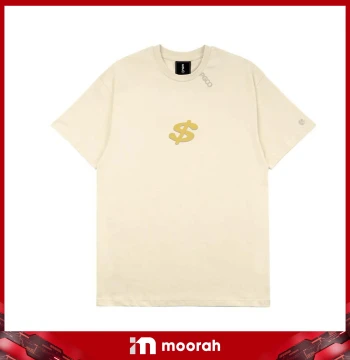
 PGCO Shirt - Beige (Dollar $ Sign)
View Latest Price
10 of 10 products
PGCO Shirt - Beige (Dollar $ Sign)
View Latest Price
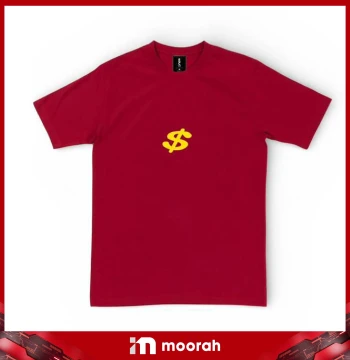 PGCO Shirt - Red (Dollar $ Sign)
View Latest Price
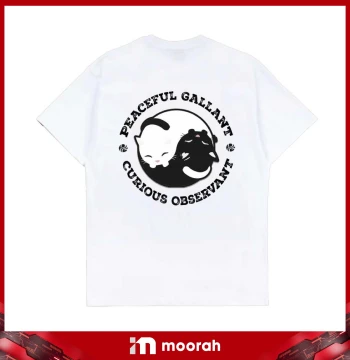 PGCO Shirt - White (Black & White Cat)
View Latest Price
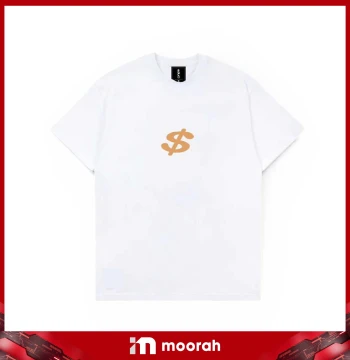 PGCO Shirt - White (Dollar $ Sign)
View Latest Price
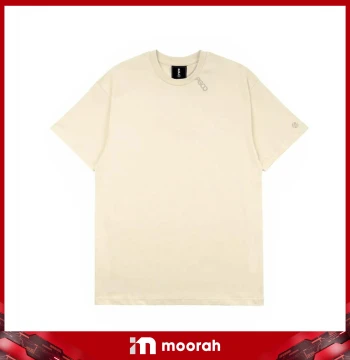 PGCO Shirt - Beige
View Latest Price
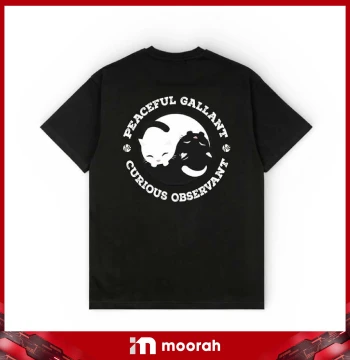 PGCO Shirt - Black (Black & White Cat)
View Latest Price
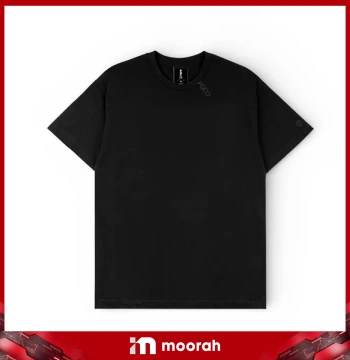 PGCO Shirt - Black - (Side Small Logo)
View Latest Price
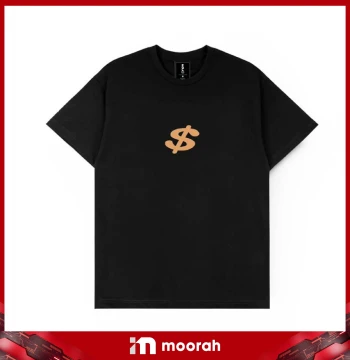 PGCO Shirt - Black (Dollar $ Sign)
View Latest Price
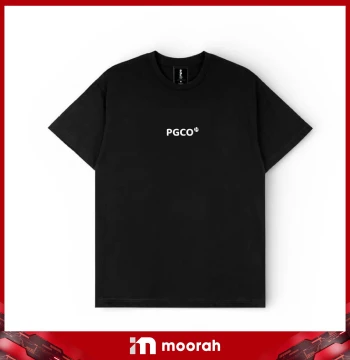 PGCO Shirt - Black (Gold & White Cat)
View Latest Price
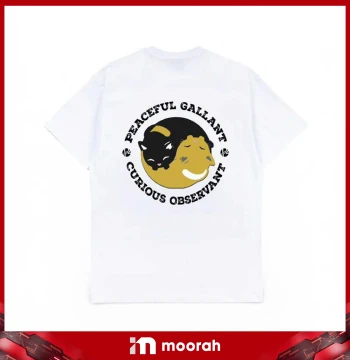 PGCO Shirt - White (Gold & Black Cat)
View Latest Price
Moorah T-Shirt – Explore PGCO Shirts and Designs
Moorah T-Shirt features a collection of PGCO shirts in beige, red, white and black with different logo, dollar sign and cat designs. Browse the available styles, check product details and sizing, choose your preferred size and quantity, then add the shirt to your cart and complete your order through Moorah’s online checkout.
Moorah T-Shirt Products
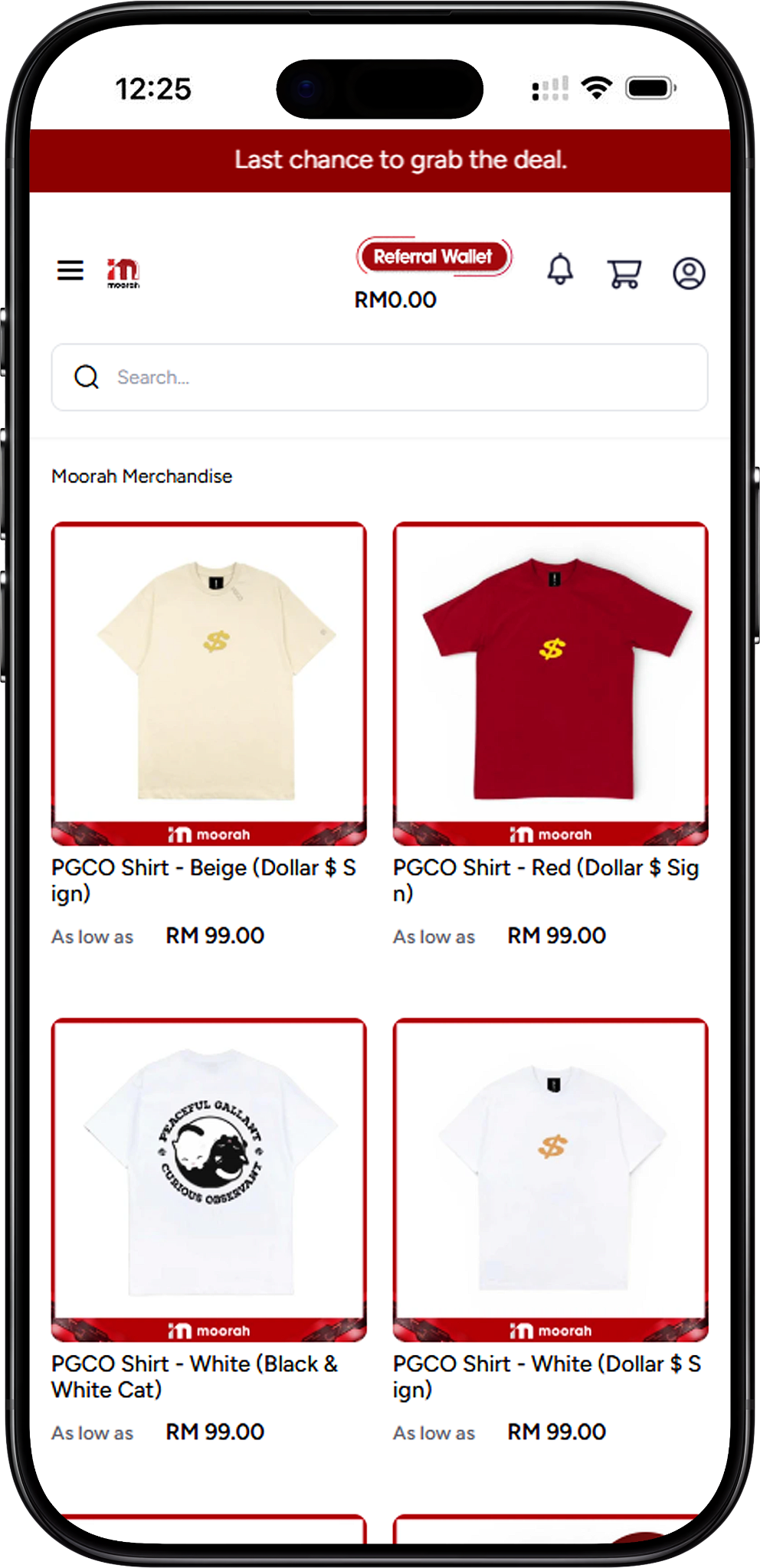
Complete PGCO Shirt Selection
The complete Moorah T-Shirt selection includes PGCO Shirt - Beige (Dollar $ Sign), PGCO Shirt - Red (Dollar $ Sign), PGCO Shirt - White (Black & White Cat), PGCO Shirt - White (Dollar $ Sign), PGCO Shirt - Beige, PGCO Shirt - Black (Black & White Cat), PGCO Shirt - Black - (Side Small Logo), PGCO Shirt - Black (Dollar $ Sign), PGCO Shirt - Black (Gold & White Cat), and PGCO Shirt - White (Gold & Black Cat).
PGCO T-Shirt Designs and Colours
Dollar Sign Designs
Shoppers looking for the dollar sign design can choose from PGCO Shirt - Beige (Dollar $ Sign), PGCO Shirt - Red (Dollar $ Sign), PGCO Shirt - White (Dollar $ Sign) and PGCO Shirt - Black (Dollar $ Sign). These options provide the same design concept across several shirt colours.
Cat Designs
The PGCO collection also includes several cat-themed shirts: PGCO Shirt - White (Black & White Cat), PGCO Shirt - Black (Black & White Cat), PGCO Shirt - Black (Gold & White Cat) and PGCO Shirt - White (Gold & Black Cat).
Minimal PGCO Designs
For a simpler PGCO style, the collection includes PGCO Shirt - Beige and PGCO Shirt - Black - (Side Small Logo), giving shoppers additional choices beyond the dollar sign and cat designs.
PGCO Shirt Details and Size Guide
Material, Fit and Design
The displayed PGCO Shirt - Beige (Dollar $ Sign) is described as made with 100% organic cotton at 280gsm, with a beige colour, iconic PGCO logo embroidery, loose-fit cutting and a classic design. Product details may vary by design, so shoppers should check the information shown on their selected PGCO shirt before ordering.
Available T-Shirt Sizes
The displayed PGCO shirt size guide includes S, M, L, XL and 2XL. Measurements shown are: S – 66 cm top length and 47 cm chest width; M – 67 cm top length and 50 cm chest width; L – 68 cm top length and 52 cm chest width; XL – 70 cm top length and 54 cm chest width; 2XL – 72 cm top length and 57 cm chest width. Check the size information on the selected product before adding it to the cart.
How to Order Moorah T-Shirt Online
Step 1 – Browse the T-Shirt Collection
Open the Moorah T-Shirt category and browse the available PGCO shirts. Compare the different colours and designs to find the shirt you want to order.
Step 2 – Select a PGCO Shirt
Open your preferred PGCO shirt product page to view its product image, details and available sizing information before making your selection.
Step 3 – Check the Size Chart
Review the size chart before ordering. Compare the listed top length and chest width measurements to help select a suitable size.
Step 4 – Choose Your T-Shirt Size
Use the T-Shirt size selector on the product page to choose an available size. The displayed product provides options from S through 2XL.
Step 5 – Choose the Quantity and Add to Cart
Use the minus and plus controls to set the quantity you want, then select Add To Cart. Your selected PGCO shirt will appear in the Shopping Cart with its quantity, price and subtotal.
Step 6 – Continue to Checkout or View Cart
From the Shopping Cart panel, choose Continue to Checkout to proceed directly or select View Cart to review and update your order first.
Review Your Shopping Cart
Check Your PGCO Shirt Order
The Cart page displays the selected PGCO shirt, quantity and current product price. You can adjust the quantity with the minus and plus controls or remove the product if you no longer want it in your order.
Review the Cart Summary
The Cart Summary displays the subtotal, coupon discount section, delivery charges, tax and grand total. An Apply Coupon option is also shown for applicable coupons.
Update or Continue Shopping
Select Update Cart after changing the quantity, or choose Continue Shopping if you want to browse more products. When your order is ready, select Proceed To Checkout.
Complete Your Billing and Shipping Information
Step 1 – Enter Your Billing Details
Complete the billing information requested during checkout. The form includes company name where applicable, first name, last name, email, address, country, state, city, zip or postcode and telephone number. Required fields are marked with an asterisk.
Step 2 – Confirm Your Shipping Address
Select Use same address for shipping? when your shipping and billing addresses are the same. If they are different, provide the required shipping information before continuing.
Step 3 – Review Your Order Summary
Check your selected PGCO shirt and quantity together with the subtotal, coupon discount, delivery charges, tax and grand total displayed in the Cart Summary.
Step 4 – Proceed to Shipping and Payment
After completing the required address information and checking your order, select Proceed to continue to the shipping and payment sections.
Choose Shipping and Payment Method
Step 1 – Review the Shipping Method
The checkout shown provides a Dynamic Rate – Calculate Based on Weight shipping method. Refer to the checkout for the delivery charge calculated for your order.
Step 2 – Choose a Payment Method
The payment choices shown at checkout include Online Banking, Referral Wallet, USDT (Ethereum) and USDT (Tron). The checkout also states that the minimum USDT deposit amount cannot be less than 10.
Step 3 – Place Your Order
Review the Cart Summary and selected payment method, then select Place Order to continue with payment.
Step 4 – Select an Online Banking, E-Wallet or QR Option
The online payment screen shown provides Maybank, CIMB Bank, Public Bank, Hong Leong Bank, RHB Bank, Alliance Bank and BSN, as well as Touch ’n Go eWallet, DuitNow, GrabPay, ShopeePay and Boost. Available options may depend on the payment provider displayed during checkout.
Step 5 – Complete Your Payment
Select an available bank, e-wallet or QR payment option and follow the payment provider’s instructions. Where applicable, ensure your bank account is activated for online payment processing.
Step 6 – Keep Your Payment Reference
The payment screen displays a reference number and transaction time. Do not click the submit button more than once or refresh the browser while the payment is processing. Keep the reference number in case you need to contact Customer Service for further action.
Moorah T-Shirt FAQ
What T-Shirts are available on Moorah?
Moorah lists 10 PGCO shirt designs across beige, red, white and black, including dollar sign, cat and minimal logo designs.
What colours are available in the PGCO T-Shirt collection?
The displayed collection includes beige, red, white and black PGCO shirts. Available colours vary according to the selected design.
What sizes are available for PGCO shirts?
The displayed PGCO shirt product provides sizes S, M, L, XL and 2XL. Shoppers should check the size selector and size chart on the selected product page before ordering.
Is there a PGCO T-Shirt size chart?
Yes. The displayed product includes a size chart with top length and chest width measurements in centimetres for sizes S through 2XL.
What material is the PGCO Shirt made from?
The displayed PGCO Shirt - Beige (Dollar $ Sign) is described as 100% organic cotton at 280gsm. Check the individual product details because specifications may vary between designs.
Can I change the quantity after adding a T-Shirt to the cart?
Yes. Quantity controls are available in the Shopping Cart and Cart page. After making changes on the Cart page, select Update Cart to update the order.
Can I apply a coupon to my T-Shirt order?
The Cart Summary includes an Apply Coupon option. Any discount depends on whether the coupon is applicable to your order.
What payment methods can I use?
The checkout shown includes Online Banking, Referral Wallet, USDT (Ethereum) and USDT (Tron). The online banking payment screen also provides supported bank, e-wallet and QR payment choices.
Shop Moorah T-Shirt Collection
Browse PGCO shirts in different colours and designs, check the available size information and choose your preferred T-Shirt before adding it to your cart.