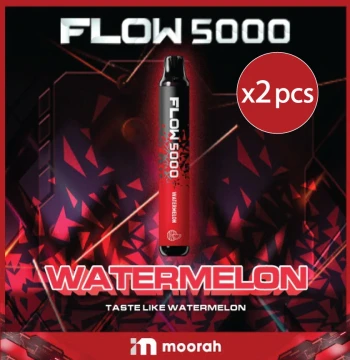
 SP2S x CANYON - FLOW 5000 Watermelon (2pcs) 5000 Puffs
View Latest Price
SP2S x Canyon
12 of 31 products
SP2S x CANYON - FLOW 5000 Watermelon (2pcs) 5000 Puffs
View Latest Price
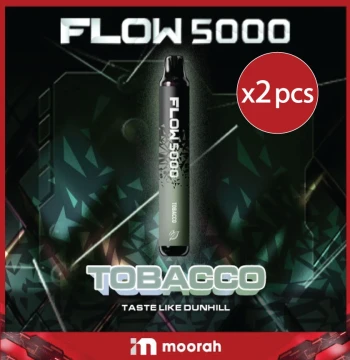 SP2S x CANYON - FLOW 5000 Tobacco (2pcs) 5000 Puffs
View Latest Price
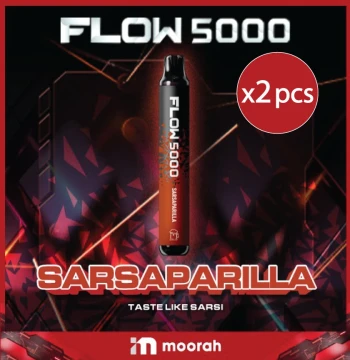 SP2S x CANYON - FLOW 5000 Sarsaparilla (2pcs) 5000 Puffs
View Latest Price
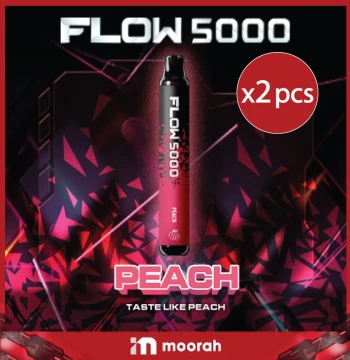 SP2S x CANYON - FLOW 5000 Peach (2pcs) 5000 Puffs
View Latest Price
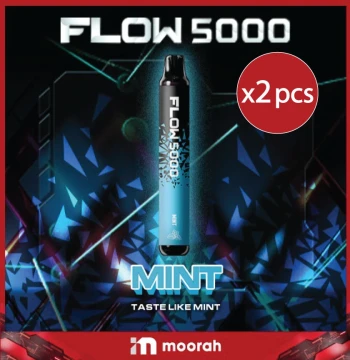 SP2S x CANYON - FLOW 5000 Mint (2pcs) 5000 Puffs
View Latest Price
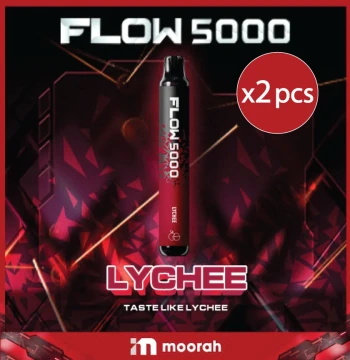 SP2S x CANYON - FLOW 5000 Lychee (2pcs) 5000 Puffs
View Latest Price
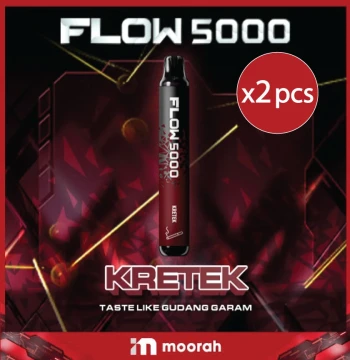 SP2S x CANYON - FLOW 5000 Keretek (2pcs) 5000 Puffs
View Latest Price
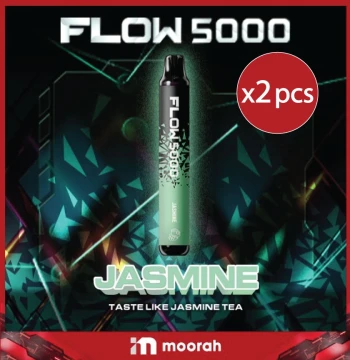 SP2S x CANYON - FLOW 5000 Jasmine (2pcs) 5000 Puffs
View Latest Price
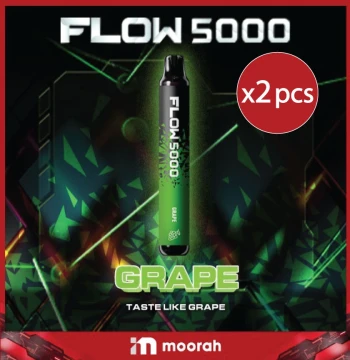 SP2S x CANYON - FLOW 5000 Grape (2pcs) 5000 Puffs
View Latest Price
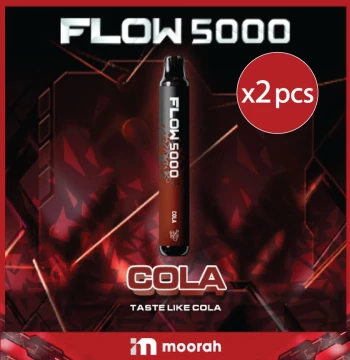 SP2S x CANYON - FLOW 5000 Cola (2pcs) 5000 Puffs
View Latest Price
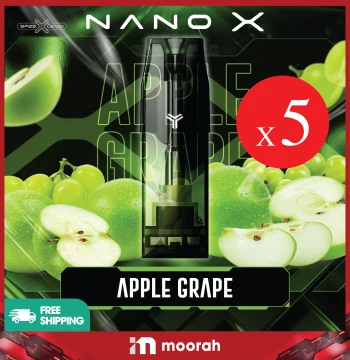 Nano X SP2S - Pods - Apple Grape [x5 Pods]
View Latest Price
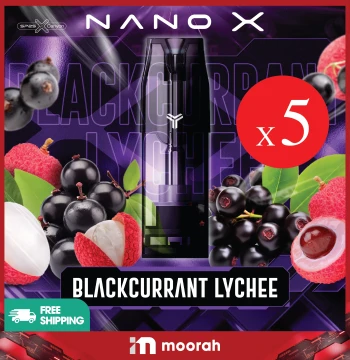 Nano X SP2S - Pods - Blackcurrant Lychee [x5 Pods]
View Latest Price
SP2S x Canyon – Flow 5000, Nano X Pods & Galaxy Series
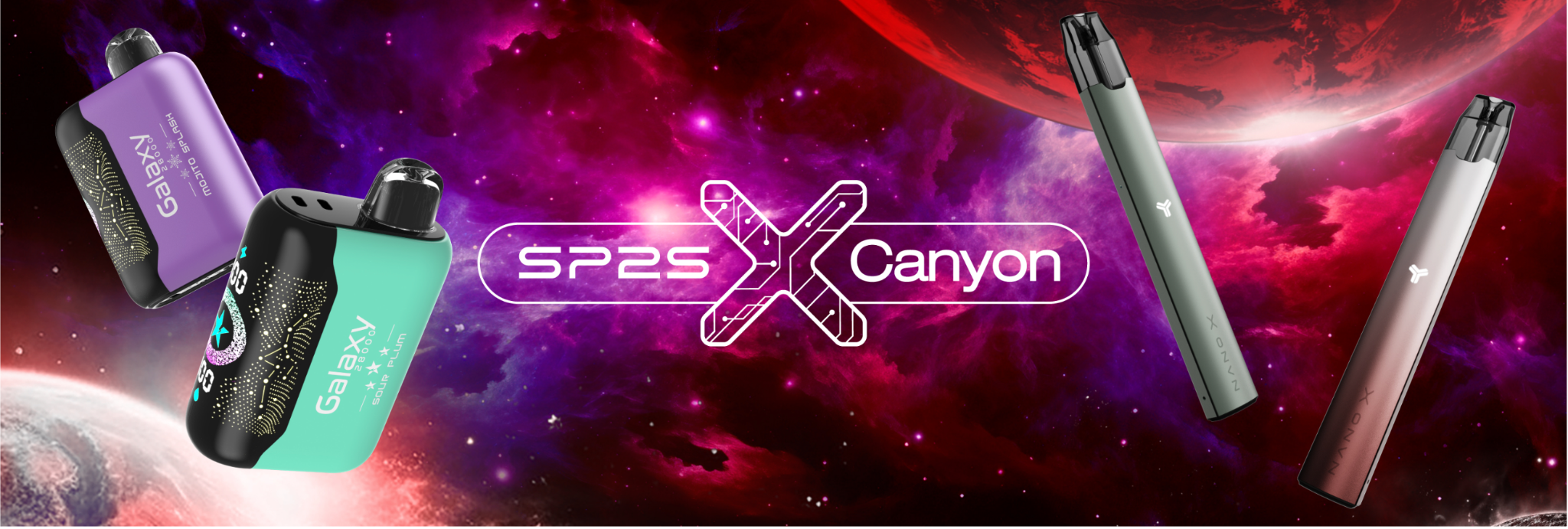
SP2S x Canyon on Moorah brings together the Flow 5000, Nano X SP2S Pods, Galaxy Ice and Galaxy Classic selections. Browse the complete range of available varieties and pack formats, compare the listed products, and follow the Moorah checkout process when placing an order.
SP2S x Canyon Products
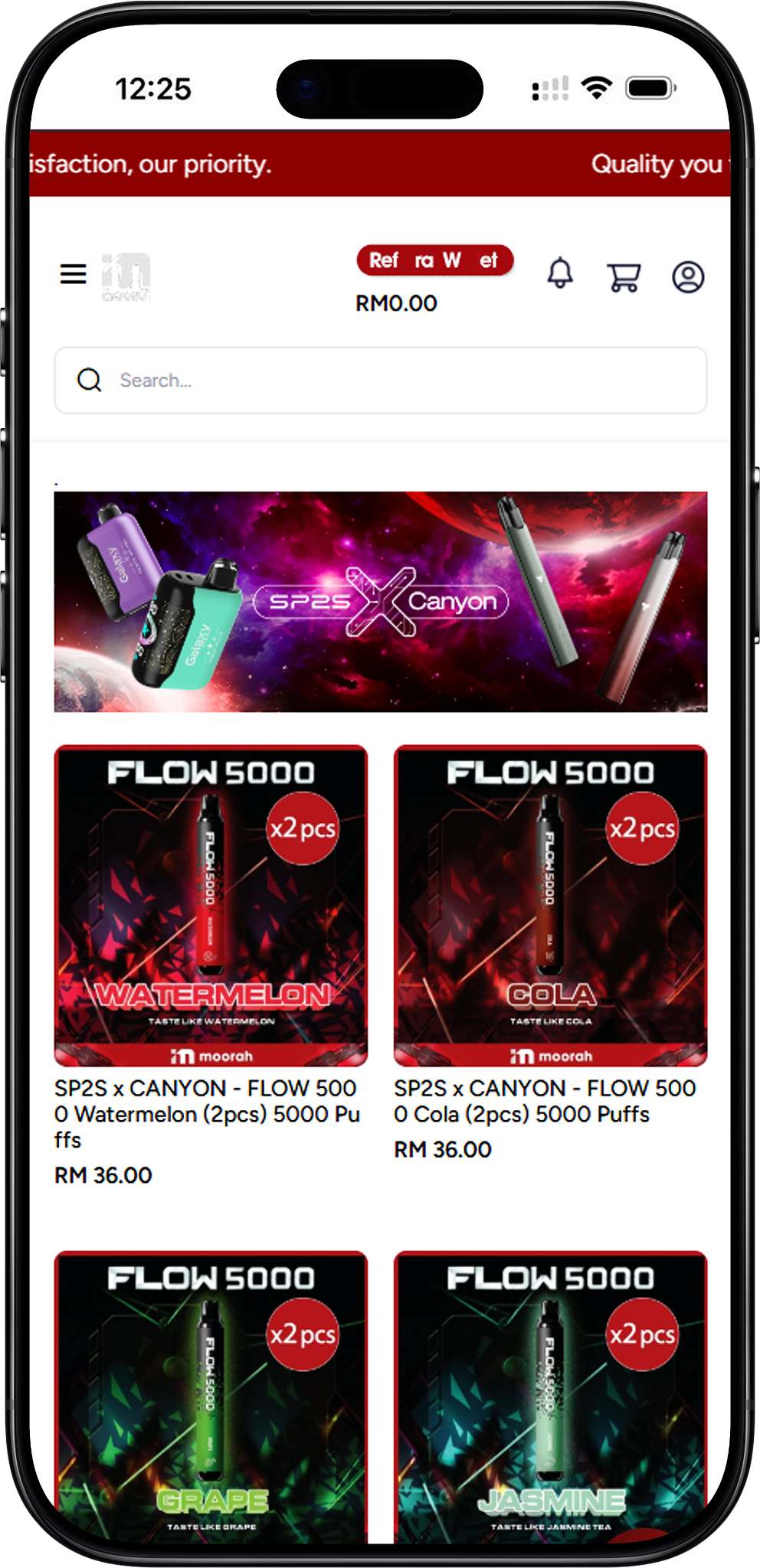
Complete SP2S x Canyon Product Selection
The complete SP2S x Canyon selection on Moorah includes SP2S x CANYON - FLOW 5000 Watermelon (2pcs) 5000 Puffs, SP2S x CANYON - FLOW 5000 Tobacco (2pcs) 5000 Puffs, SP2S x CANYON - FLOW 5000 Sarsaparilla (2pcs) 5000 Puffs, SP2S x CANYON - FLOW 5000 Peach (2pcs) 5000 Puffs, SP2S x CANYON - FLOW 5000 Mint (2pcs) 5000 Puffs, SP2S x CANYON - FLOW 5000 Lychee (2pcs) 5000 Puffs, SP2S x CANYON - FLOW 5000 Keretek (2pcs) 5000 Puffs, SP2S x CANYON - FLOW 5000 Jasmine (2pcs) 5000 Puffs, SP2S x CANYON - FLOW 5000 Grape (2pcs) 5000 Puffs, SP2S x CANYON - FLOW 5000 Cola (2pcs) 5000 Puffs, Nano X SP2S - Pods - Apple Grape [x5 Pods], Nano X SP2S - Pods - Blackcurrant Lychee [x5 Pods], Nano X SP2S - Pods - Strawberry Guava [x5 Pods], Nano X SP2S - Pods - Fresh Guava [x5 Pods], Galaxy Ice - Mojito Splash [2 PCS] 28K Puffs, Galaxy Classic - Apple Lychee [2 PCS] 28K Puffs, Galaxy Ice - Frost Mint [2 PCS] 28K Puffs, Galaxy Ice - Frozen Lychee [2 PCS] 28K Puffs, Galaxy Ice - Himalaya Tea Guan Yin [2 PCS] 28K Puffs, Galaxy Ice - Chill Watermelon [2 PCS] 28K Puffs, Galaxy Ice - Himalaya Jasmine [2 PCS] 28K Puffs, Galaxy Ice - Himalaya Mineral [2 PCS] 28K Puffs, Galaxy Ice - Jasmine Green Tea [2 PCS] 28K Puffs, Galaxy Classic - Strawberry Honeydew [2 PCS] 28K Puffs, Galaxy Classic - Blackcurrant Lychee [2 PCS] 28K Puffs, Galaxy Classic - Grape Lime [2 PCS] 28K Puffs, Galaxy Classic - Sea Salt Berry [2 PCS] 28K Puffs, Galaxy Classic - Sour Plum [2 PCS] 28K Puffs, Galaxy Classic - Strawberry Peach [2 PCS] 28K Puffs, and Galaxy Classic - Vanilla Mango [2 PCS] 28K Puffs.
SP2S x Canyon Flow 5000
Flow 5000 Selection
The SP2S x Canyon Flow 5000 range consists of 2-piece products listed at 5000 puffs. Available selections are Watermelon, Tobacco, Sarsaparilla, Peach, Mint, Lychee, Keretek, Jasmine, Grape and Cola. This gives shoppers a single section for comparing all ten listed Flow 5000 options.
Nano X SP2S Pods
Nano X SP2S Pod Selection
The Nano X SP2S Pods range is listed in packs of five pods. Available options are Apple Grape, Blackcurrant Lychee, Strawberry Guava and Fresh Guava.
SP2S x Canyon Galaxy Series
Galaxy Ice
The Galaxy Ice range consists of 2-piece products listed at 28K puffs. Available selections are Mojito Splash, Frost Mint, Frozen Lychee, Himalaya Tea Guan Yin, Chill Watermelon, Himalaya Jasmine, Himalaya Mineral and Jasmine Green Tea.
Galaxy Classic
The Galaxy Classic range also consists of 2-piece products listed at 28K puffs. Available selections are Apple Lychee, Strawberry Honeydew, Blackcurrant Lychee, Grape Lime, Sea Salt Berry, Sour Plum, Strawberry Peach and Vanilla Mango.
How to Order SP2S x Canyon
Step 1 – Select a Product
Browse the SP2S x Canyon page and select the product you want. Add the selected item to the Shopping Cart, where its product name, quantity, price and subtotal are displayed.
Step 2 – Review Your Shopping Cart
Use the minus and plus controls to adjust the quantity or select Remove to remove the item. You can choose Continue to Checkout from the Shopping Cart panel or select View Cart for a more detailed order review.
Step 3 – Check the Cart Summary
The cart page displays your selected product and quantity together with the subtotal, coupon discount, delivery charges, tax and grand total. You can also use Apply Coupon, continue shopping or update the cart before proceeding.
Step 4 – Proceed to Checkout
After confirming the selected product and quantity, select Proceed To Checkout to enter the required billing and shipping information.
Complete Billing and Shipping Information
Step 1 – Enter Billing Details
Complete the checkout fields for company name where applicable, first name, last name, email, address, country, state, city, zip or postcode and telephone number. Fields marked with an asterisk are required.
Step 2 – Confirm the Shipping Address
If your shipping address is the same as your billing address, use the Use same address for shipping? option shown at checkout. Otherwise, provide the appropriate shipping details.
Step 3 – Review the Cart Summary
Check the selected SP2S x Canyon product, quantity, subtotal, coupon discount, delivery charges, tax and grand total displayed in the Cart Summary before continuing.
Step 4 – Continue to Shipping and Payment
Once the required address information has been completed, select Proceed to continue to the Shipping Method and Payment Method sections.
Choose Shipping and Payment Method
Step 1 – Review the Shipping Method
Moorah displays a Dynamic Rate – Calculate Based on Weight shipping method. The applicable delivery charge is shown in the Cart Summary and can affect the final grand total.
Step 2 – Choose a Payment Method
The checkout shown provides Online Banking, Referral Wallet, USDT (Ethereum) and USDT (Tron) payment selections. The page also states that the minimum USDT deposit amount cannot be less than 10.
Step 3 – Place the Order
Review the shipping charge, payment selection and updated grand total. When the details are correct, select Place Order to continue with the selected payment method.
Step 4 – Select an Online Banking, E-Wallet or QR Option
The online payment screen shown includes Maybank, CIMB Bank, Public Bank, Hong Leong Bank, RHB Bank, Alliance Bank and BSN. It also displays Touch ’n Go eWallet, DuitNow, GrabPay, ShopeePay and Boost as available payment selections.
Step 5 – Complete the Payment
Follow the instructions displayed for the selected payment option. The payment page advises customers to ensure their bank account is activated for online payment processing, avoid clicking a submit button more than once and avoid refreshing the browser during processing.
Step 6 – Keep Your Reference Number
The payment screen displays a reference number and transaction time. Keep the reference number in case it is required when contacting Customer Service regarding the transaction.
SP2S x Canyon FAQ
What products are available in the SP2S x Canyon range?
The page includes Flow 5000, Nano X SP2S Pods, Galaxy Ice and Galaxy Classic products across multiple listed selections.
What SP2S x Canyon Flow 5000 options are available?
The Flow 5000 selections are Watermelon, Tobacco, Sarsaparilla, Peach, Mint, Lychee, Keretek, Jasmine, Grape and Cola. Each listed Flow 5000 product is a 2-piece selection marked as 5000 puffs.
Which Nano X SP2S Pods are available?
The listed Nano X SP2S options are Apple Grape, Blackcurrant Lychee, Strawberry Guava and Fresh Guava, with each product listed as [x5 Pods].
What is the difference between Galaxy Ice and Galaxy Classic selections?
They are presented as two separate Galaxy product groups. Galaxy Ice includes options such as Mojito Splash, Frost Mint and Frozen Lychee, while Galaxy Classic includes selections such as Apple Lychee, Strawberry Honeydew and Vanilla Mango. The listed products in both groups are [2 PCS] 28K Puffs.
Can I adjust my order quantity in the cart?
Yes. The Shopping Cart includes minus and plus controls for changing the quantity and a Remove option for removing the selected item.
How is the delivery charge determined?
The checkout shown uses Dynamic Rate – Calculate Based on Weight. The applicable delivery charge appears in the Cart Summary before the order is placed.
What payment methods are shown at checkout?
Moorah shows Online Banking, Referral Wallet, USDT (Ethereum) and USDT (Tron). The online payment interface also displays supported bank, e-wallet and QR payment selections.
Explore the SP2S x Canyon Collection
Browse the complete Flow 5000, Nano X SP2S Pods, Galaxy Ice and Galaxy Classic selections available on Moorah.